


How to Upscale Your Images
On this page
The Upscale feature increases the resolution and sharpness of your creations. It is useful for improving small details, creating print-quality artwork, or viewing your images at a higher resolution.
You can upscale an image immediately after generating it or open a previously saved image from your profile.
Option 1: Upscale a Newly Generated Image
Generate an Image
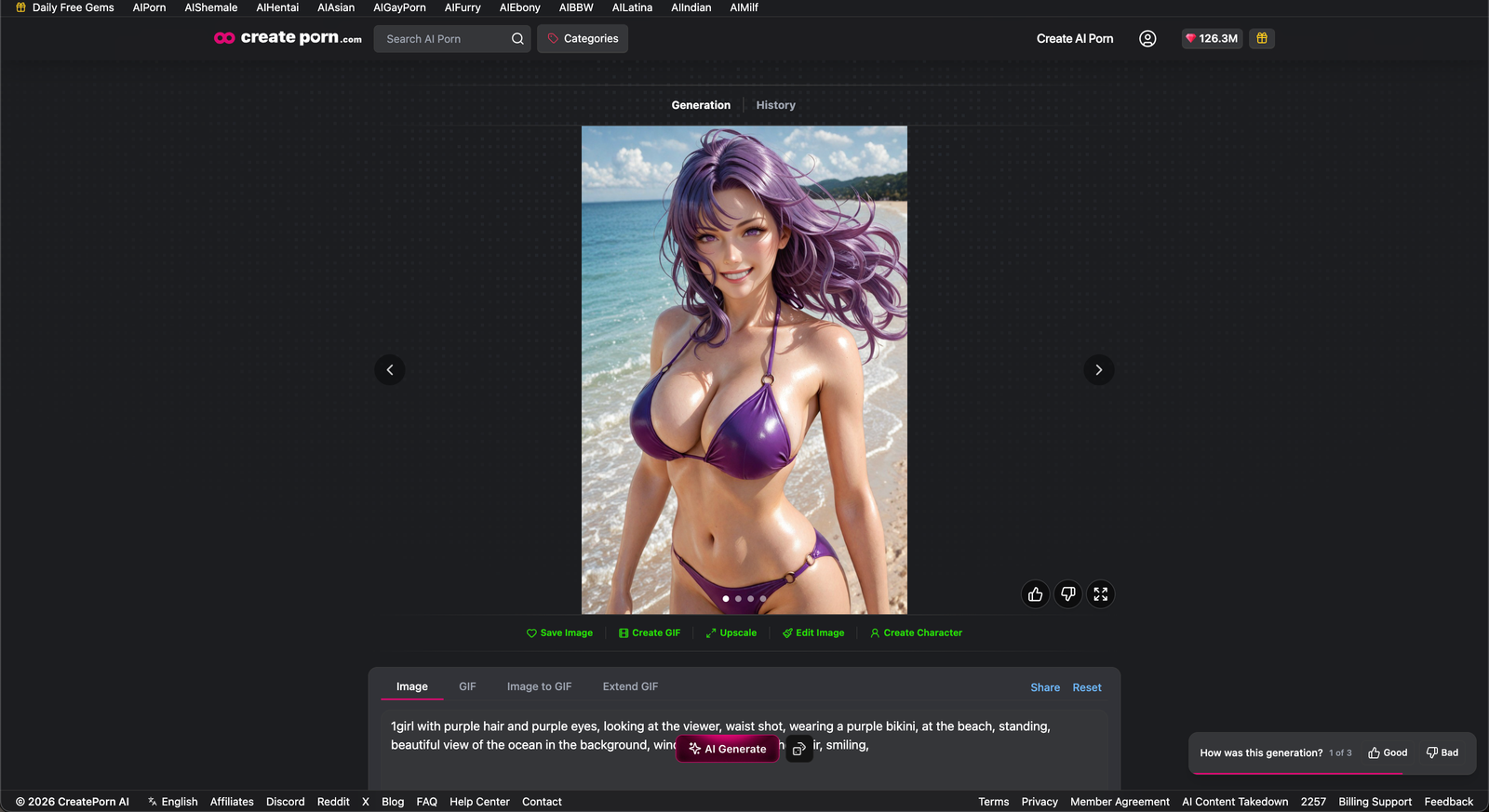
Create an image on the platform.
Click Upscale & Choose an Upscale Factor
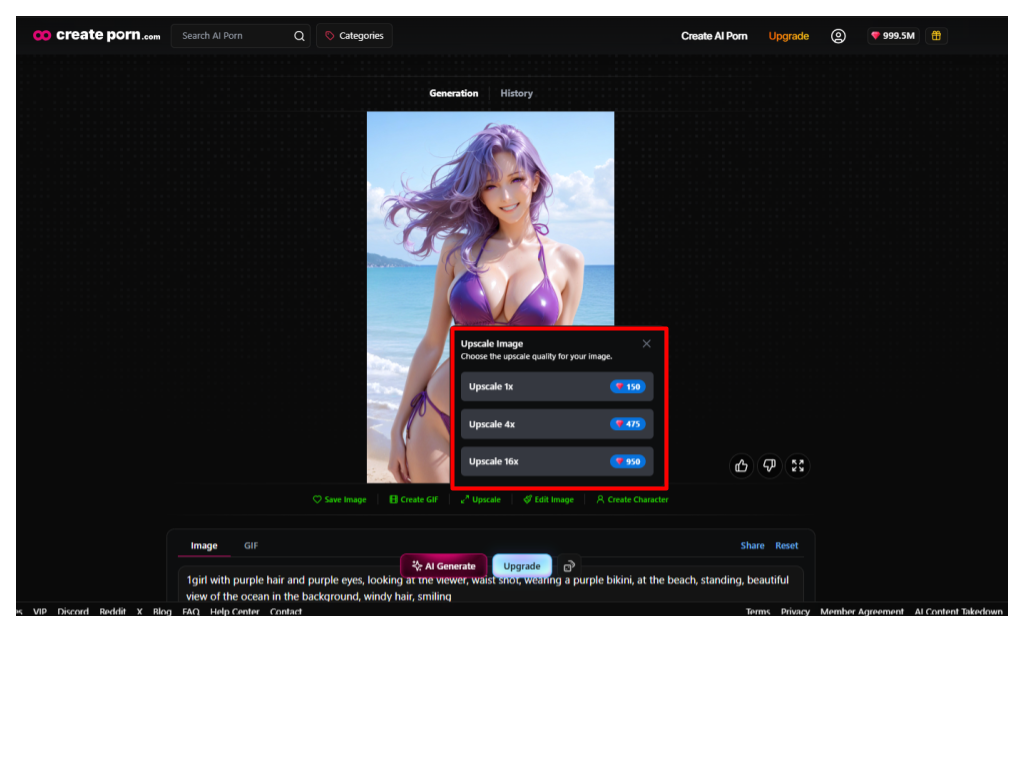
Once the image is complete, click Upscale.
Select one of the available options:
- 1x to improve image clarity and sharpness while keeping the original image size
- 4x to increase the image resolution four times
- 16x to increase the image resolution sixteen times
Wait for the Upscale to Complete
Your higher-resolution image will be ready shortly.
Option 2: Upscale an Image from Your Profile
Open Your Creations Tab & Select an Image
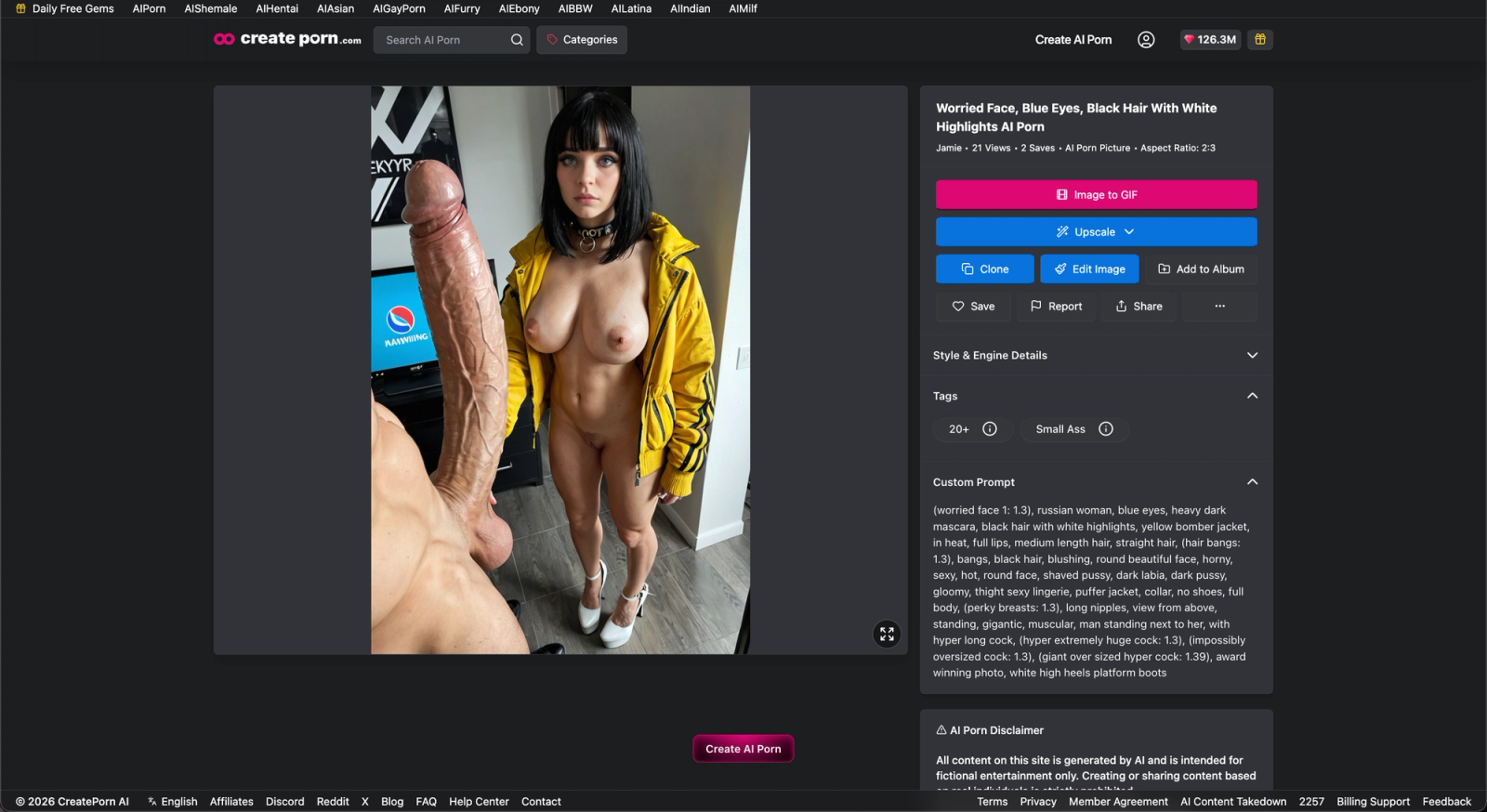
Click your profile icon to open your User Profile.
Go to Creations to view your saved images.
Open the image you want to upscale.
Click Upscale & Choose an Upscale Factor
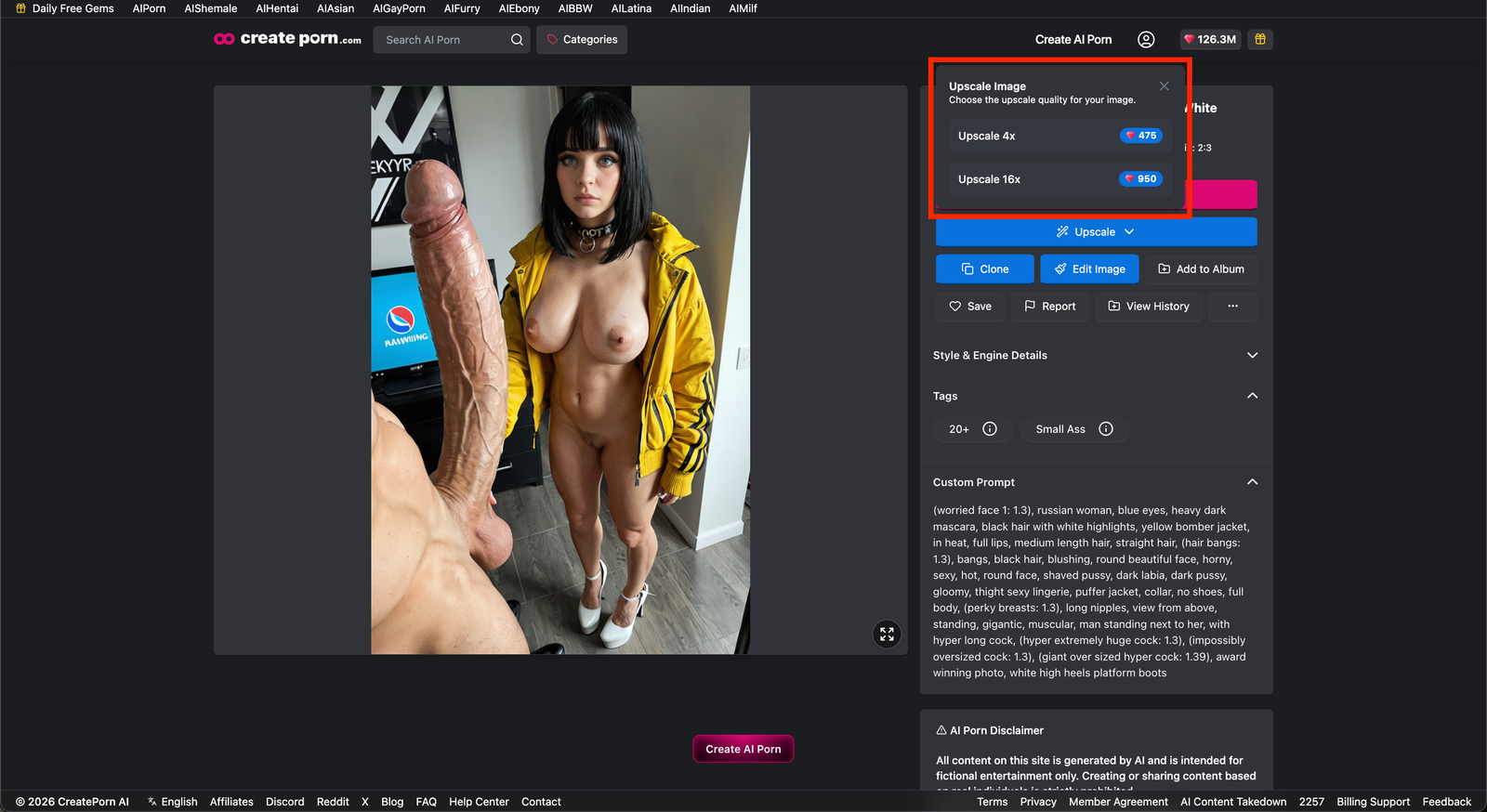
Select the Upscale button.
Select either 1x, 2x, or 4x
Wait for the Upscale to Complete
Your upscaled image will be available shortly.
Note: You can only upscale your own creations. You cannot upscale another user’s image.
Tips
- Use 1× when you want to improve clarity and sharpness without increasing the image resolution.
- Use 2x when you want a moderate resolution increase.
- Use 4x when you need a larger, higher-resolution image.
- Upscaling can help improve small details and prepare artwork for printing.
Need Help?
If you cannot upscale an image, confirm that the image belongs to your account.
If you have already upscaled an image but the Upscale option is still showing, or the image does not appear to have been successfully upscaled, please contact Support so we can review the issue.
Please provide:
- The creation link
- Whether you selected 1x, 2x or 4x
- A screenshot showing the Upscale option after upscaling
- A brief description of what happened when you used Upscale